How to Dispose of an Old Printer in Dubai: Stored Data, Toner and E-Waste Routes
A printer can remember more than you expect and leak more than you would like. Clear its memory, take out the ink or toner, and send the machine to an electronics route.
Reset the printer first: Wi-Fi printers store network details, and office multifunction machines can hold copies of scanned documents.
A leased copier belongs to the leasing company; arrange its return and data wipe with them instead of disposing of it.
Remove ink or toner cartridges and seal them in a bag; never vacuum spilled toner with a household vacuum.
Printers are electronic waste and should go to an approved drop-off or collector, not the general bin.
How do you dispose of an old printer in Dubai?
Clear stored jobs and reset the printer, remove ink or toner cartridges and bag them separately, then take the machine to an approved e-waste drop-off or collector. Return leased office copiers to the leasing company, and have their internal hard drive wiped or removed before the device leaves your control.
The details of how to dispose of an old printer in Dubai depend on its size. A home inkjet is a small electronics item with some wet ink inside. An office multifunction machine is closer to a computer on wheels: heavy, often leased, and sometimes fitted with a hard drive that has kept an image of years of copied, scanned and faxed paperwork.
Find out what the printer remembers
Home printers connected to Wi-Fi keep the network name and password, and many store scan-to-email addresses, fax numbers or a cloud-printing account. Use the settings menu to restore factory defaults, then remove the printer from your printing app and account. It takes five minutes and stops the next owner from seeing your network or contacts.
Office machines need more care. The US Federal Trade Commission's guidance on digital copiers notes that their hard drives store data about the documents they copy, print, scan, fax or email. A factory reset may only clear settings, so use the device's secure-erase or overwrite function, or ask the vendor to wipe or remove the drive and confirm it in writing against the serial number.
A leased copier is not yours to dispose of
If the machine arrived under a lease or managed-print contract, contact the supplier to arrange collection. Agree how the drive will be wiped before it leaves, and keep that confirmation with your asset records.
What to do before each type of printer leaves
Printer type
Main concern
Before collection
Home inkjet
Wet ink cartridges can leak
Reset Wi-Fi settings, remove cartridges and seal them in a bag
Home or small-office laser
Loose toner powder
Remove the toner cartridge upright and bag it; keep the printer level
Office multifunction printer
Internal drive holding scans and copies
Secure erase or drive removal, recorded against the serial number
Leased copier
Owned by the leasing company
Book the return with the supplier instead of disposing of it
Large-format printer or plotter
Size and bulk ink tanks
Ask the supplier about ink disposal; measure doors and lift
Handle ink and toner without making a mess
Take cartridges out while the printer still has power so the carriage moves to its change position. Put each one in a sealed bag, nozzle or opening facing up, and keep them out of the printer during transport. Close the paper trays, tape the scanner lid shut and, if your model has a scanner-lock switch, engage it before the printer is lifted.
Toner is an extremely fine powder, and this is where people create the mess. If some spills, do not reach for the household vacuum: Xerox warns that ordinary vacuum cleaners should not be used for toner because the particles pass through standard filters and can create a fire risk. Lift loose powder carefully with a damp disposable cloth and cold water, then bag the cloth with the cartridge.
Keep laser printers level
Carry a laser printer flat and upright. Tipping it on its side can release toner from the cartridge and waste bottle into the inside of the machine, turning a working printer into a repair job.
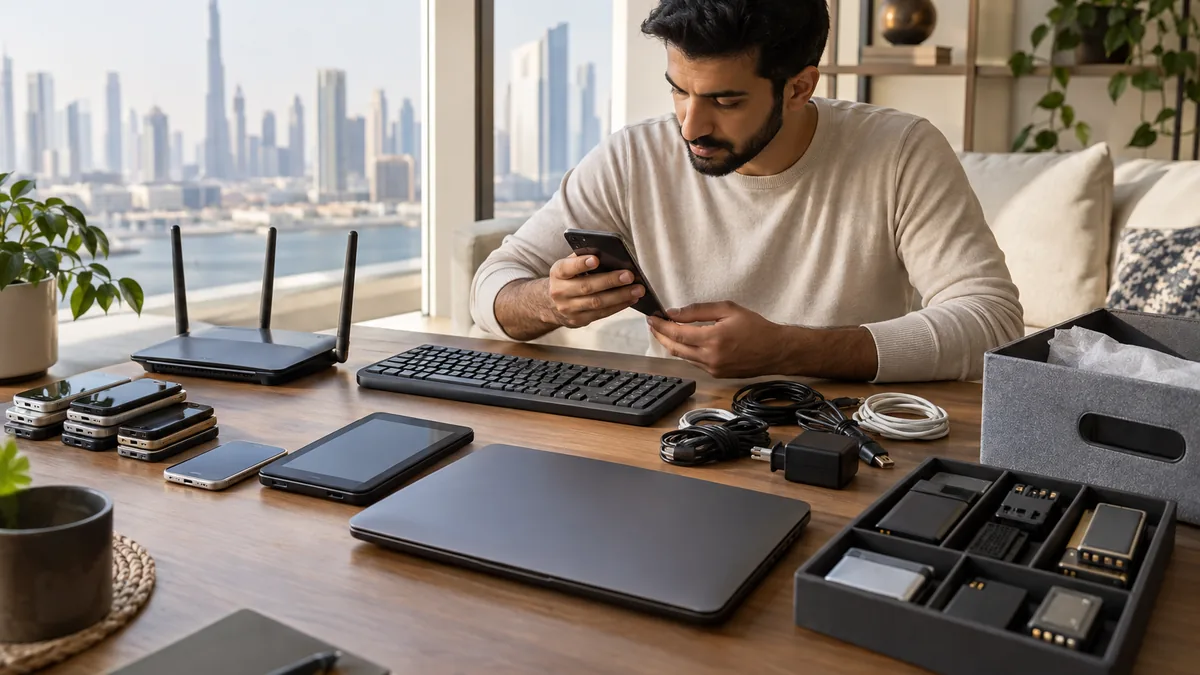
In an office clear-out, printers, consumables and cables are listed together so drives can be wiped and toner kept sealed before collection.
Choose the right route for the machine
A working laser printer or office machine with a known page count can be resold or passed to a school or community group. Be realistic with cheap inkjets: replacement cartridges can cost close to a new printer, so a working inkjet without spare ink is hard to give away. Only offer it if you would honestly use it yourself.
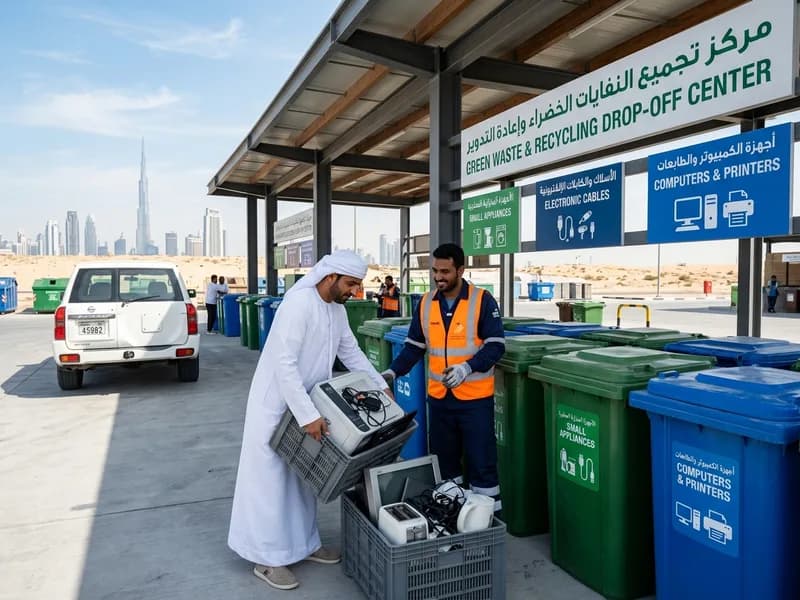
Everything else is electronic waste. Dubai Municipality runs household electrical and electronic waste collection through its current e-waste partnership, and many community drop-off centres have a bay marked for computers and printers. Used cartridges often go back through a manufacturer's or retailer's take-back scheme. For an office with several machines, add the printers to the same collection as the old IT equipment once every drive has been cleared.
Does a factory reset erase an office copier's hard drive?
Not always. On many machines a factory reset restores settings but does not overwrite stored images. Look for a secure-erase, data-overwrite or disk-sanitising option in the administrator menu, or ask the vendor to wipe or remove the drive and give you written confirmation recorded against the machine's serial number.
Should I leave the cartridges in a printer I am giving away?
If the printer is working and the cartridges still print, leave them installed so the new owner can test it, and keep the printer level. If the printer is going for recycling, take the cartridges out, seal them in a bag and route them separately through a take-back scheme where one exists.
Can an old printer go in my building's recycling bin?
No. Building recycling bins are for packaging such as paper, plastic and cans, not electrical items. Take the printer to an approved e-waste drop-off, request a municipal electronics collection or add it to a private collection, and ask management where it may wait if it cannot leave immediately.
Planning a clearance in Dubai?
Send photos of what you need cleared on WhatsApp. Our team provides an instant, fixed upfront rate and handles elevator bookings and gate security smoothly.
Specialists in residential and commercial clearances across Dubai since 2016. Committed to safe property handovers, compliant electronic waste disposal, and municipal green waste diversion.
 Ask a Question