How to Dispose of Old Mobile Phones in Dubai: SIM Cards, Account Locks and Swollen Batteries
Most homes in Dubai have a drawer of old phones nobody uses. Here is how to unlock, wipe and clear them safely, from trade-ins and donations to e-waste drop-off points.
Move banking OTPs, two-factor codes and messaging apps to your new phone before the old SIM or eSIM is removed.
Turn off Find My or remove the Google account before resetting, or the phone stays locked to you and cannot be reused.
Modern phones are encrypted, so a full factory reset after signing out leaves the data unreadable; very old phones need more care.
A swollen battery is a fire risk: stop charging it, keep it away from heat and take it to an e-waste point, never the bin.
How do you dispose of an old mobile phone in Dubai?
Back up the phone, move your number, OTPs and two-factor codes to your new device, then sign out of your Apple or Google account so the activation lock is removed. Take out the SIM and memory card and do a full factory reset. Working phones can be traded in, sold or donated; broken ones go to an e-waste collection point, never the household bin.
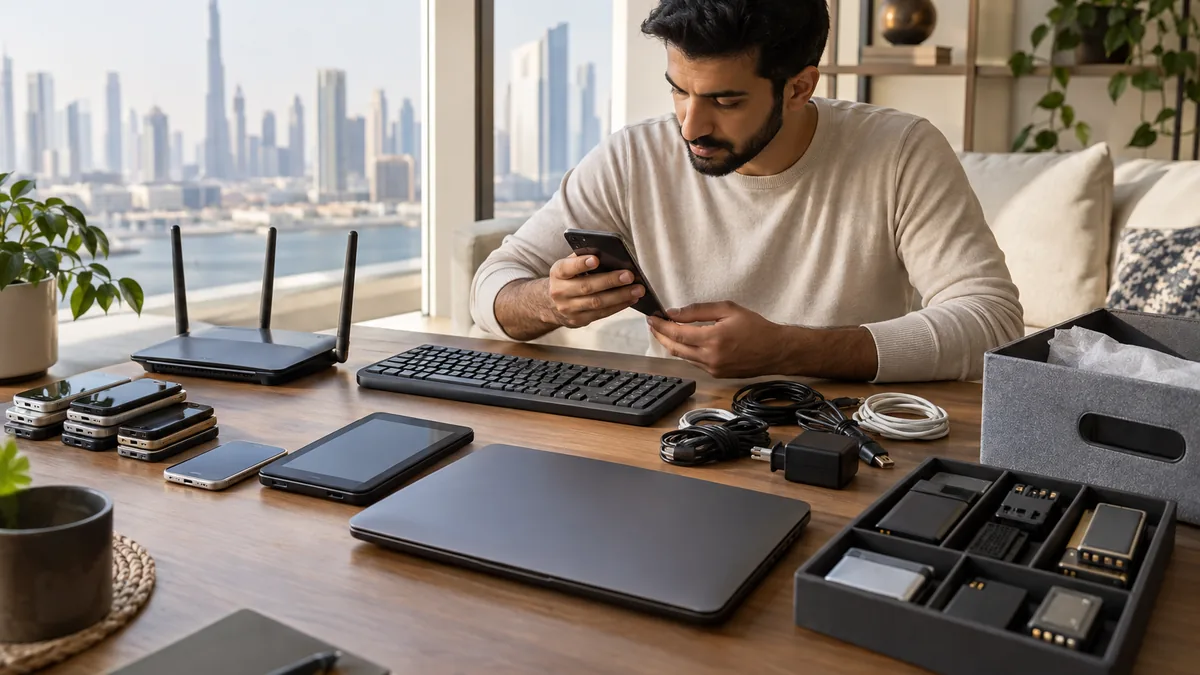
Old phones rarely leave a home one at a time. They pile up in a kitchen drawer with tangled chargers, a cracked tablet and a power bank nobody trusts. Most still hold photos, chats and saved logins, and some have batteries that are starting to swell. Sorting the drawer properly takes an evening, and most of that time goes on account settings rather than the phones themselves.
Before anything else: your number, OTPs and two-factor codes
In the UAE, a phone number is tied to a lot more than calls. Banks send one-time passwords to it, government and utility accounts use it for login, and authenticator apps may live only on that handset. Before an old phone is reset, make sure each of those is working on your new device.
If you are keeping your number, move the SIM or transfer the eSIM to the new phone through your operator and confirm you can receive an OTP. Transfer authenticator apps using their own export or account-sync options, and move WhatsApp and other messaging apps with their built-in transfer tools. Only then reset the old phone.
Do not reset a phone that still holds your only authenticator
If an authenticator app exists only on the old phone, resetting it can lock you out of email, banking or work accounts. Check every account that uses it and switch them to the new device first.
Remove account locks, then wipe
iPhones have Activation Lock through Find My, and Android phones have Factory Reset Protection linked to the Google account. If either is still switched on, the phone asks for your login after a reset and nobody else can use it. A refurbisher has to treat it as scrap, and a charity cannot pass it on.
Sign out of your Apple ID (or remove your Google and manufacturer accounts on Android), and remove the phone from your list of trusted devices. Take out the SIM tray and any microSD card. Then do a full factory reset from the settings menu. Current iPhones and Android phones encrypt their storage by default, so once the reset has deleted the encryption keys, the old data cannot be read. Very old handsets and microSD cards are different: keep the cards, or destroy them, and see our data-safe electronics disposal guide for how certified destruction works.
Swollen batteries: handle with care
Lithium-ion phone batteries can swell as they age, especially after months in a hot car, a sunny room or a drawer beside a heater. A screen lifting away from the frame, a back panel that bulges or a phone that rocks on a flat surface are all signs.
Do not charge it, press on it or try to prise the battery out. Put the phone in a non-flammable container such as a metal tin or a ceramic dish, keep it somewhere cool and away from anything combustible, and take it to an e-waste collection point soon. A damaged lithium battery in a household bin or compactor can catch fire. Our article on why electronics don't belong in the bin explains the fire risk in more detail.
Trade in, sell, donate or recycle
Working phones that are a few years old still have value. Manufacturers, electronics retailers and mobile operators in the UAE run trade-in schemes that credit an old phone against a new one, and second-hand buyers and resale apps take recent models. A cracked screen lowers the price but does not always rule a phone out.
Older but working phones can be useful to a relative, a domestic worker who needs a basic handset or a community programme. Phones that are dead, smashed or too old for anyone to use go to e-waste recycling, where the metals in circuit boards and batteries can be recovered.
Old phone condition and the best route
Condition
Best route
Before handing it over
Recent model, working
Trade-in or resale
Sign out, remove locks, reset; keep the box and charger if you have them
Older model, working
Family, staff or community donation
Sign out, remove locks, reset; include a charging cable
Cracked or faulty, still powers on
Trade-in (reduced value) or e-waste
Sign out and reset if the screen still works
Dead or will not switch on
E-waste collection point
Remove SIM and memory card; ask the recycler about data handling
Swollen battery
E-waste collection point as soon as possible
Do not charge; transport in a non-flammable container
Where to drop off phones, chargers and cables
E-waste collection points in Dubai include bins at shopping malls and supermarkets, electronics retailers and municipal recycling drop-off centres. Phones, chargers, cables, earphones and power banks can usually all go together, though some points ask for loose batteries to be kept separate. Tape over the terminals of any spare batteries before dropping them off.
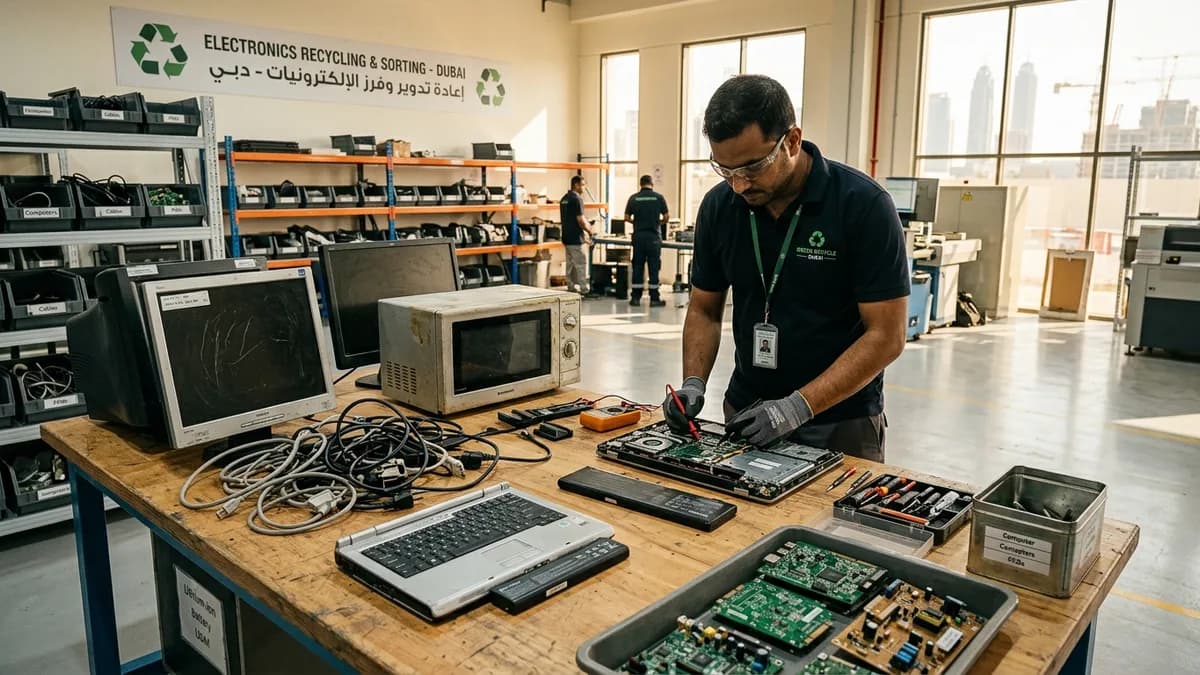
If the phone drawer is part of a bigger clear-out, put all the small electronics into one box and tell us when you ask for a quote. We take them with the rest of the load and deliver them to licensed e-waste recycling, separated from general waste.
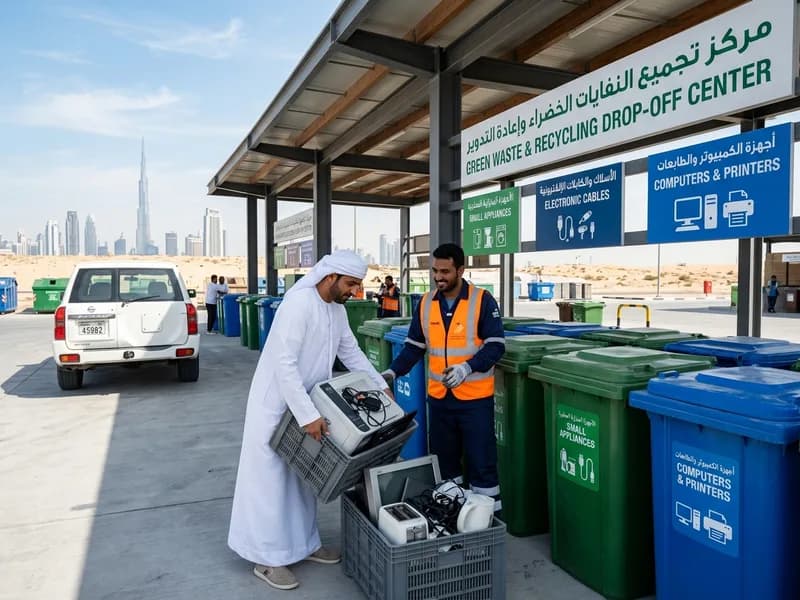
Municipal drop-off centres separate small appliances, cables and computer equipment so each stream can be recycled properly.
For current iPhones and Android phones, yes, if you sign out of your accounts first and then do a full reset from the settings menu, because their storage is encrypted by default. Remove the SIM and any memory card separately. For very old phones or phones that will not switch on, ask the recycler how data is handled, or keep the device.
Can I throw an old phone in the household bin in Dubai?
No. Phones contain lithium batteries and electronic components that belong in e-waste recycling, not general waste. A damaged battery can start a fire in a bin, a chute or a collection truck. Take the phone to an e-waste collection point, a retailer take-back scheme or include it in a licensed clearance.
What should I do with old SIM cards?
Once you have moved your number or cancelled the line, cut the old SIM through the gold chip with scissors and throw it away. If a line is still active in your name, cancel or transfer it with your operator first, so the number is not left linked to your accounts.
Planning a clearance in Dubai?
Send photos of what you need cleared on WhatsApp. Our team provides an instant, fixed upfront rate and handles elevator bookings and gate security smoothly.
Tags:#Mobile Phone Disposal Dubai#Phone Recycling#E-Waste Dubai#Smartphone Data Wipe#Battery Safety
Dubai Junk Collection Editorial Team
Operations & Pricing Specialists
Specialists in residential and commercial clearances across Dubai since 2016. Committed to safe property handovers, compliant electronic waste disposal, and municipal green waste diversion.
 Ask a Question