How to Dispose of an Office Document Scanner in Dubai: Records, Settings and E-Waste
Close document custody, confirm ownership, export required settings, reset saved contacts and network data, secure trays and cables, then use authorized reuse or office e-waste.
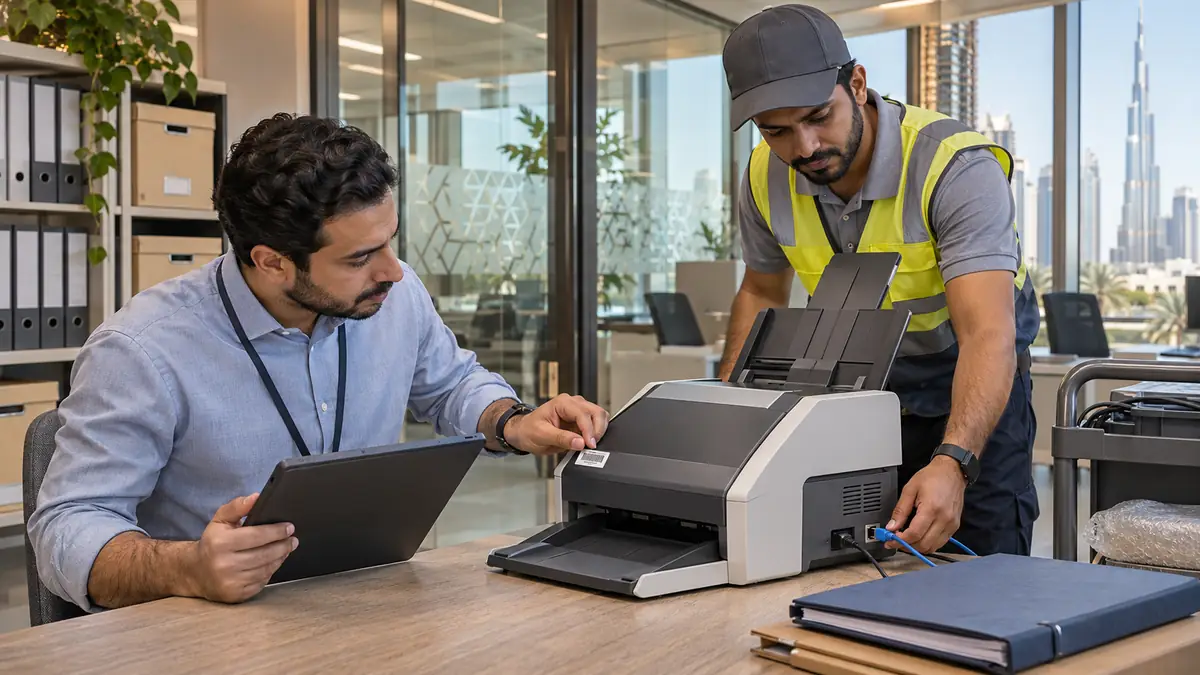
Search the feeder, output tray, carrier sheets and jam path for originals before the scanner leaves the records team's controlled area.
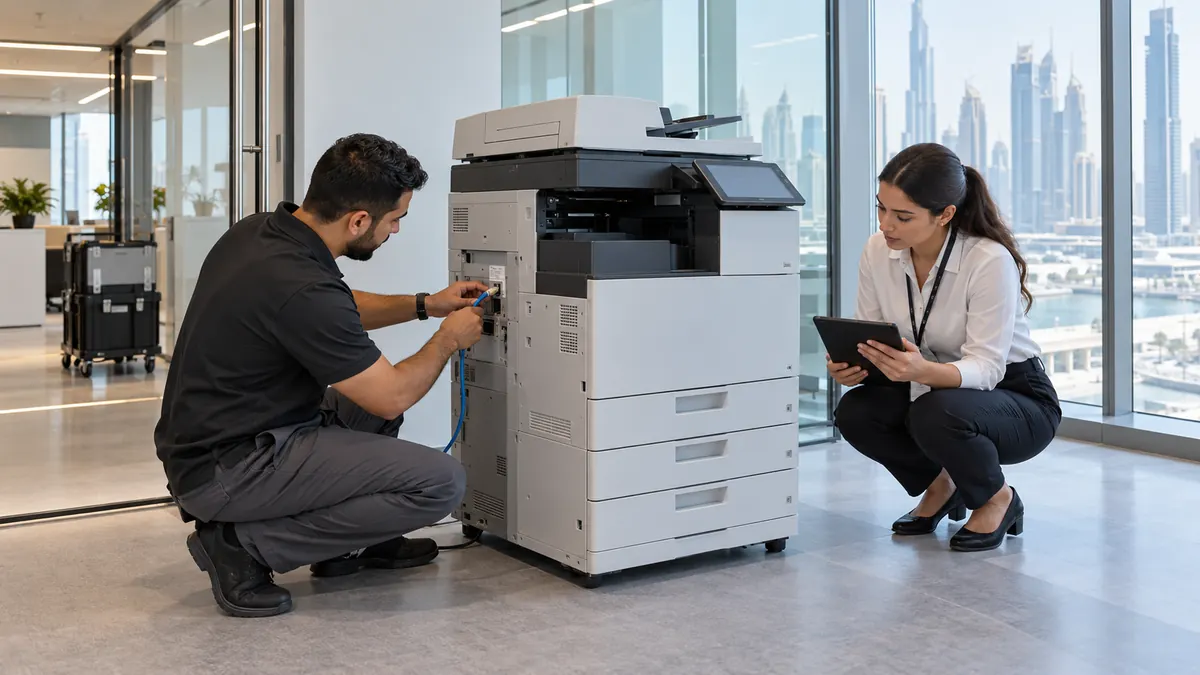
Have an authorized administrator export required configuration, delete contacts and job history, and run the model-supported all-settings reset.
Record ownership and serial numbers, secure trays and power supplies, then use verified reuse or a documented commercial e-waste transfer.
How do you dispose of an office document scanner in Dubai?
To dispose of an office document scanner in Dubai, confirm ownership and search every paper path for originals. An authorized administrator should export required configuration, remove contacts and job history, reset network and security settings, then power down, secure trays and accessories, record the serial number, and arrange verified reuse or commercial e-waste collection.
A sheet-fed scanner is not just an empty peripheral. Network models may hold email contacts, authentication details, scan destinations, certificates, usage history and administrator settings. Paper can also remain beneath a feeder roller after a jam. Records custody and system administration must finish before facilities moves the device.
Close the document trail before resetting the device
Ask the records owner to empty the trays, remove carrier sheets and inspect the accessible jam path using the manual. Account for every original, especially identity documents, signed forms and HR or finance batches. Never photograph readable pages for a removal quote or send a clearance worker searching confidential records.
IT should check ownership and managed-service contracts, identify scan-to-email, network-folder, cloud and badge integrations, then retain required configuration evidence. Epson's network-scanner guidance says an all-settings restore deletes registered settings including contacts; its administration documentation also identifies stored user information and job history. Let the supported reset complete before removing power and record who performed it.
A network reset may not clear every category of data
Use the manufacturer-supported all-settings or decommissioning process approved by IT, not just a Wi-Fi reset. Contacts, authentication, certificates and job records may use separate controls, and deleted settings cannot always be recovered.
Secure the paper path and transport parts
After sign-off, switch off normally and unplug. Remove dust and paper fragments only through user-accessible cleaning points. Do not spray sensors, pull rollers from shafts or open the electrical housing. Close or remove input and output trays as directed and engage the model's transport lock when fitted.
Inventory the correct power supply, Type G lead, USB and Ethernet cables, wireless module, roller kit and licensed accessories. Pack the scanner upright in a padded crate with weight away from the automatic feeder. Book the service lift for a production model and keep its serial number visible until the transfer record is complete.
Move the scanner only after paper custody, administrator reset and accessory inventory have been signed off.
Transfer a released scanner through a documented route
Reuse may suit an owned, supported scanner that feeds reliably and has completed the organization's sanitization process. Provide the model, scan count if available, roller condition, power supply and fault history. The recipient should create new administrator credentials and network configuration rather than inheriting the former office's profile.
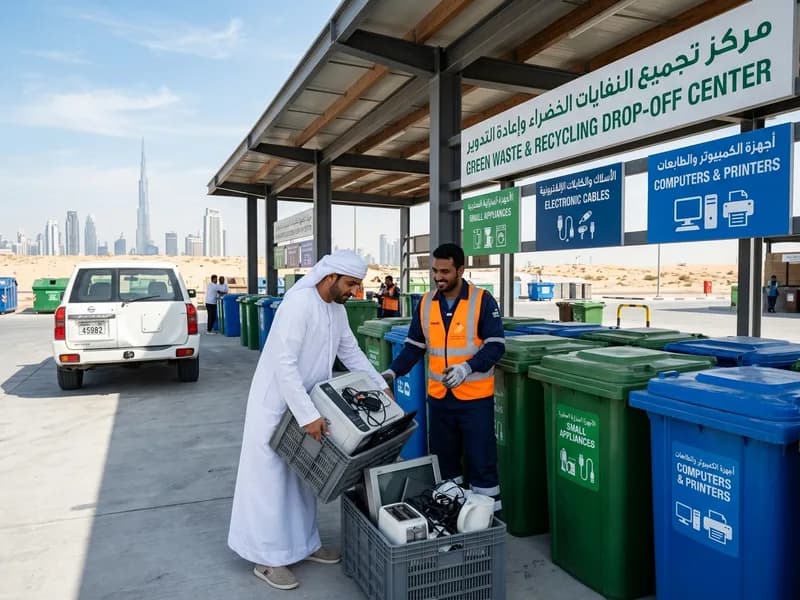
A leased device returns through its provider. A failed owned unit needs a commercial electrical-waste receiver and the transfer records required by the business. Dubai Municipality's duty-of-care guidance places responsibility on waste holders to arrange appropriate collection and disposal. Our office clearance service can coordinate released equipment in Business Bay. Related guides cover printers, photocopiers and data-safe electronics disposal.
It depends on the model and workflow. A scanner may retain job history, contacts, authentication data, destinations or temporary information even when it is not a copier. IT should review the model documentation and connected capture system, then record the supported decommissioning process.
Is resetting Wi-Fi enough before scanner disposal?
Not necessarily. A network-only reset may leave contacts, user accounts, job history or other administrator settings. Use the model-specific all-settings or retirement process approved by IT, allow it to finish and remove connected service credentials separately where required.
Can a leased document scanner go to an e-waste collector?
Not without the owner's written release. Check the lease or managed-service agreement and request the provider's return instructions. Record the serial number, trays, power supply, roller kits and condition so the organization can close the asset without missing-equipment charges.
What details help quote document-scanner removal?
Provide the make, model, serial number, dimensions, weight, lease status and accessory list, plus photos with no readable documents. Confirm that the paper-path search, IT reset and asset release will be complete, and include service-lift, loading and security-booking details.
Planning a clearance in Dubai?
Send photos of what you need cleared on WhatsApp. Our team provides an instant, fixed upfront rate and handles elevator bookings and gate security smoothly.
Specialists in residential and commercial clearances across Dubai since 2016. Committed to safe property handovers, compliant electronic waste disposal, and municipal green waste diversion.
 Ask a Question