How to Dispose of an Office Photocopier in Dubai: Leases, Stored Data and Safe Removal
Confirm ownership and lease terms, have IT sanitize stored data, remove consumables through approved channels, record accessories and plan an upright service-lift route.
Check the lease, asset register and maintenance agreement before moving the machine; many office copiers must be returned to their supplier.
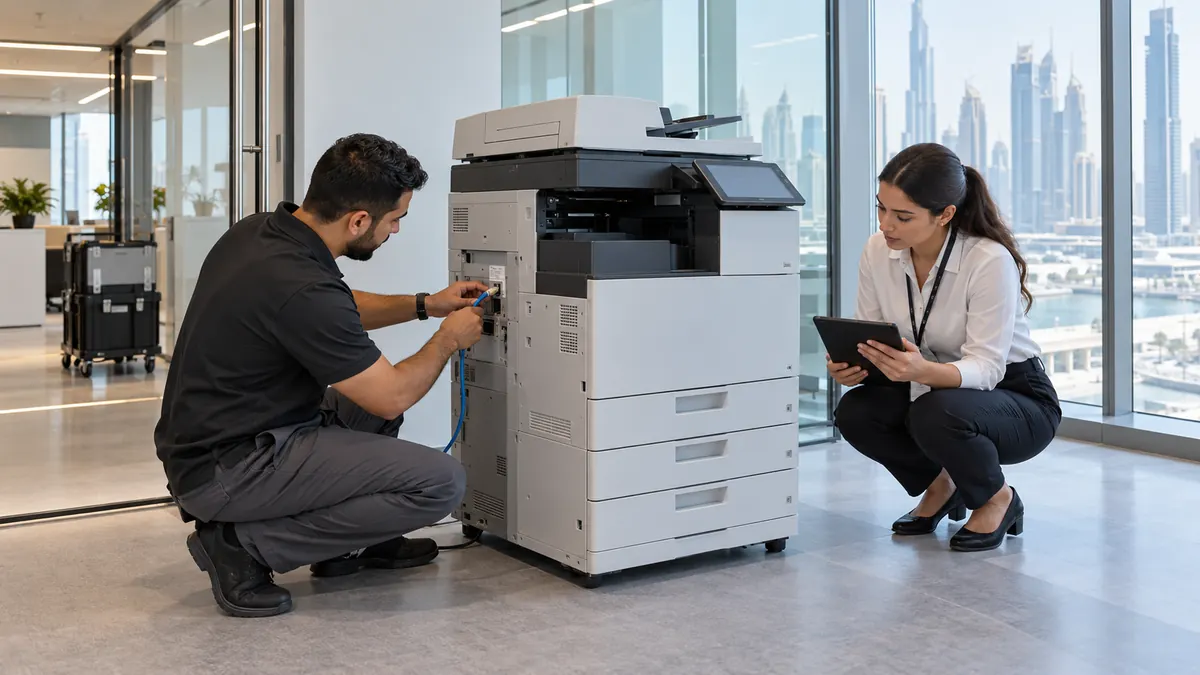
IT or the authorized service provider should export needed settings, erase supported storage and document the sanitization before network disconnection.
Keep the copier upright, lock or remove transport-sensitive modules as the manual directs, and use a rated equipment dolly plus a reserved service-lift route.
How do you dispose of an office photocopier in Dubai?
To dispose of an office photocopier in Dubai, verify ownership and lease-return terms, then have IT or the supplier export required settings and sanitize supported storage. Remove toner and accessories as directed, inventory every module, disconnect the released machine, and arrange upright transport through a booked service lift to an approved reuse or e-waste route.
A floor-standing multifunction device is a networked information asset as well as a heavy machine. It may store address books, scan destinations, credentials, job images and configuration data. It can also belong to a leasing company and contain supplier-managed meters or consumables. Clearance should begin with records, not a trolley.
Resolve the lease, records and data before unplugging anything
Check the asset register, serial number, lease, maintenance contract and consumables agreement. Ask the supplier whether it will collect the base unit, finisher, paper decks and unused toner. Record meter readings and condition photographs. Do not remove a leased machine, supplier property or finance-tagged accessory simply because the office is being handed back.
The organization's IT administrator or authorized service provider should back up anything required, remove address books and credentials, and run the exact model's supported sanitization process. Ricoh explains that multifunction devices may store documents, address books, authentication data, logs and network settings, and advises users to remove information assets when a device is returned, resold or disposed of.
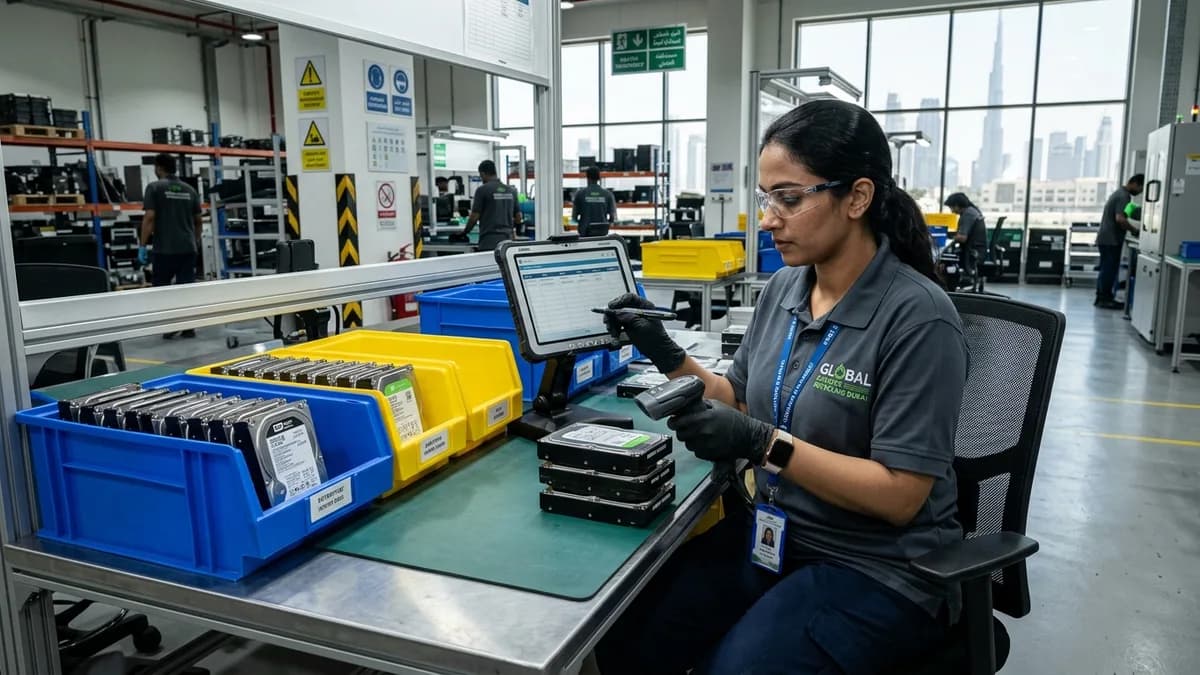
Disconnect print queues, scan-to-email accounts, fax lines, card readers and network management only after the erase process and evidence are complete. A factory reset is not automatically the same as verified media sanitization. Record the method, result, serial number and responsible person according to the organization's information-security policy.
Do not let the move interrupt a data erase
Some model-specific overwrite processes must finish without power loss. IT or the authorized service provider should complete and document sanitization before facilities isolates the machine or the clearance crew arrives.
Prepare consumables, modules and the transport path
Follow the supplier or service manual for toner, waste-toner bottles, drums and ink. Do not open cartridges, vacuum spilled toner with an ordinary vacuum or mix consumables into general office waste. Seal released items in compatible packaging and use the supplier's take-back or another confirmed route. Remove loose paper, confidential originals and personal items from every tray and pocket.
Inventory the automatic document feeder, finisher, punch unit, saddle stitcher, extra paper decks, card reader, cables and keys. Lock or remove transport-sensitive parts only as the maker directs. Measure the machine at its widest fixed point, confirm its weight and centre of gravity, then check door thresholds, corridor turns, lift capacity and loading-bay height.
Keep the machine upright on a rated equipment dolly and use the manufacturer's lifting or wheel-release points. Protect floors and corners, reserve the service lift, register workers with security and schedule the route outside busy office circulation. Do not drag the copier by its feeder, screen, output tray or finishing module.
Move only a released and sanitized copier, upright on rated equipment, with consumables and accessories separately controlled.
Use supplier return, verified reuse or approved commercial e-waste
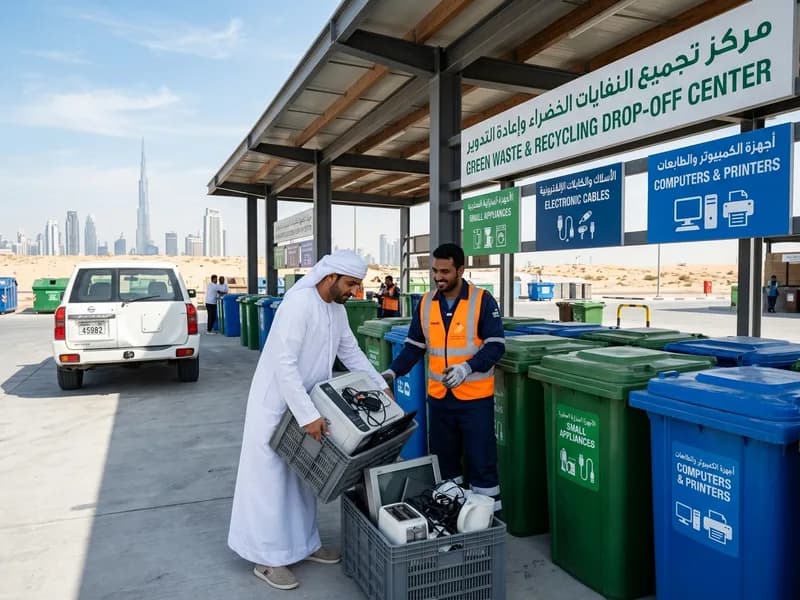
Supplier return is usually the first route for a leased device. An owned machine may suit verified resale or donation if it is functional, supported and fully sanitized, with its accessories and service history disclosed. A failed or unsupported unit needs an e-waste receiver capable of handling the complete device and issuing the records required by the business.
Can an office photocopier store confidential data?
Yes. Depending on the model and configuration, storage may contain job images, documents, address books, authentication details, logs and network settings. IT or the authorized service provider should identify the storage, use the supported sanitization method and retain evidence before the machine changes control.
Can a leased copier be recycled by the tenant?
Usually not without the owner's written direction. Check the lease and maintenance contract first; the supplier may require return using its own team and packaging. Record the serial number, meter and accessories, then obtain closure so the business is not charged for missing or damaged equipment.
Should toner be removed before copier collection?
Follow the exact transport instructions from the supplier or manufacturer. Some cartridges or waste-toner containers need removal and sealing, while other modules have transport locks. Never open or empty toner into a bin. Keep every consumable in its approved take-back or specialist-waste route.
What information is needed to quote photocopier removal?
Provide the make and model, dimensions, estimated weight, ownership status, module list, floor, service-lift and loading-bay details. Confirm that IT sanitization and supplier release will be complete. Include photos of thresholds, stairs and all accessories, but never photograph confidential screens or documents.
Planning a clearance in Dubai?
Send photos of what you need cleared on WhatsApp. Our team provides an instant, fixed upfront rate and handles elevator bookings and gate security smoothly.
Specialists in residential and commercial clearances across Dubai since 2016. Committed to safe property handovers, compliant electronic waste disposal, and municipal green waste diversion.
 Ask a Question