How to Dispose of Office Monitors in Dubai: Screens, Arms and Bulk E-Waste
Reconcile asset tags and leases, remove monitor arms and desk clamps, keep screens upright and padded, sort stands and cables, then use verified reuse or documented commercial e-waste.
Reconcile every monitor's asset tag and serial number against the register and check for leased or warranty units before anything leaves.
Remove monitor arms and desk clamps with the screen supported, because gas-spring arms can snap upward once the weight comes off.
Move screens upright with padding between panels; a cracked panel or old CCFL-backlit unit must go to a documented e-waste receiver.
How do you dispose of office monitors in Dubai?
To dispose of office monitors in Dubai, reconcile each screen against the asset register and leasing records. Remove monitor arms and desk clamps with the screen supported, then keep panels upright with padding between them. Sort stands, power bricks and cables, send tested working screens to verified reuse and the rest to documented commercial e-waste.
Monitors rarely hold company data, so the risk is different from laptops. The challenge is volume and fragility: a floor of forty desks can release eighty screens, each with a stand or arm, a power lead and a video cable. A thin panel cracks easily if stacked flat or leaned against a sharp edge during a desk move.
Reconcile tags, leases and working stock
Gather monitors into one controlled area and record asset tags, serial numbers and models. Check whether any were supplied under a hardware lease, a managed-desk agreement or a vendor warranty, because those may need to go back to the supplier rather than to e-waste. Agree with IT how many working screens to keep as spares for new joiners.
Power each candidate for reuse once, on a known-good cable, and look for dead pixels, backlight bleed, flicker and failed ports. Label every screen as working, faulty or untested. Remove privacy filters, cable-management clips and any desk labels showing names or seat numbers, as these often stay attached through several moves.
Remove arms and clamps without damaging screens
Gas-spring monitor arms are tensioned for the weight of the screen. Before releasing a monitor from its VESA plate, raise the arm to its top position and back off the tension adjuster as the manufacturer describes. Support the screen with both hands while the plate screws come out, and keep the four VESA screws taped to the back of the monitor.
Unclamp arms from desks only once the screens are off. Grommet and clamp mounts can mark desktops, so loosen them gradually and pad the jaw. Bundle arms by type, stand bases with their necks, and power bricks with their own leads. Coil HDMI, DisplayPort and USB-C cables loosely and band them by type so reusable sets stay complete.
Do not release a loaded monitor arm in one go
A gas-spring arm can swing upward suddenly when a screen comes off a tensioned arm. Reduce the spring tension first, keep your face clear of the arm's travel and remove the screen with a second person supporting it.
Pack and move screens upright
Never stack bare monitors face down. Stand them upright, screen to screen with a sheet of foam, cardboard or a blanket between each panel, in original boxes or padded crates where possible. Older office monitors with fluorescent CCFL backlights contain small amounts of mercury, so any cracked unit should be bagged and labelled separately.
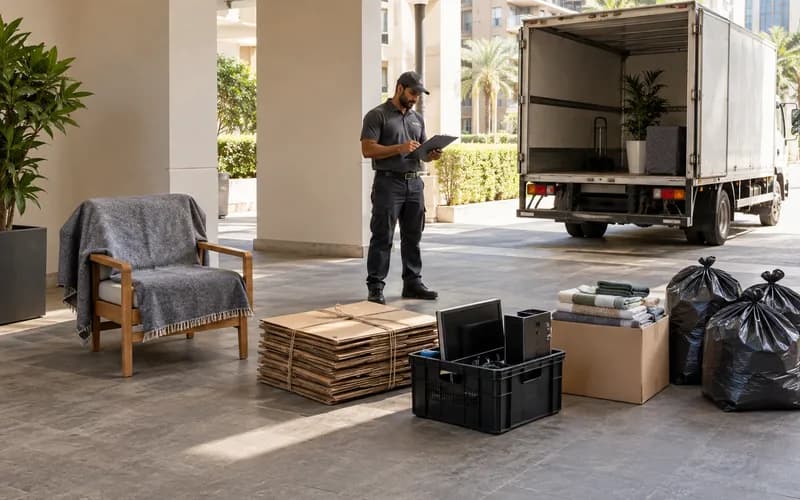
Book the service lift and loading bay with building management and confirm the clearance window for the tower. Move crates on padded trolleys and keep them strapped upright, especially across ramps and car-park thresholds. A clear count at the loading bay should match the register so nothing goes missing between floor and vehicle.
Keep screens upright and padded on the trolley and move them through the booked service lift to the loading bay in one controlled run.
Transfer through reuse or documented e-waste
Tested working monitors can suit staff purchase schemes, schools or community groups if the organization approves the transfer. Provide quantities, sizes, models and condition, and supply stands and cables with each screen. Faulty, cracked or very old units belong with a commercial electrical-waste receiver.
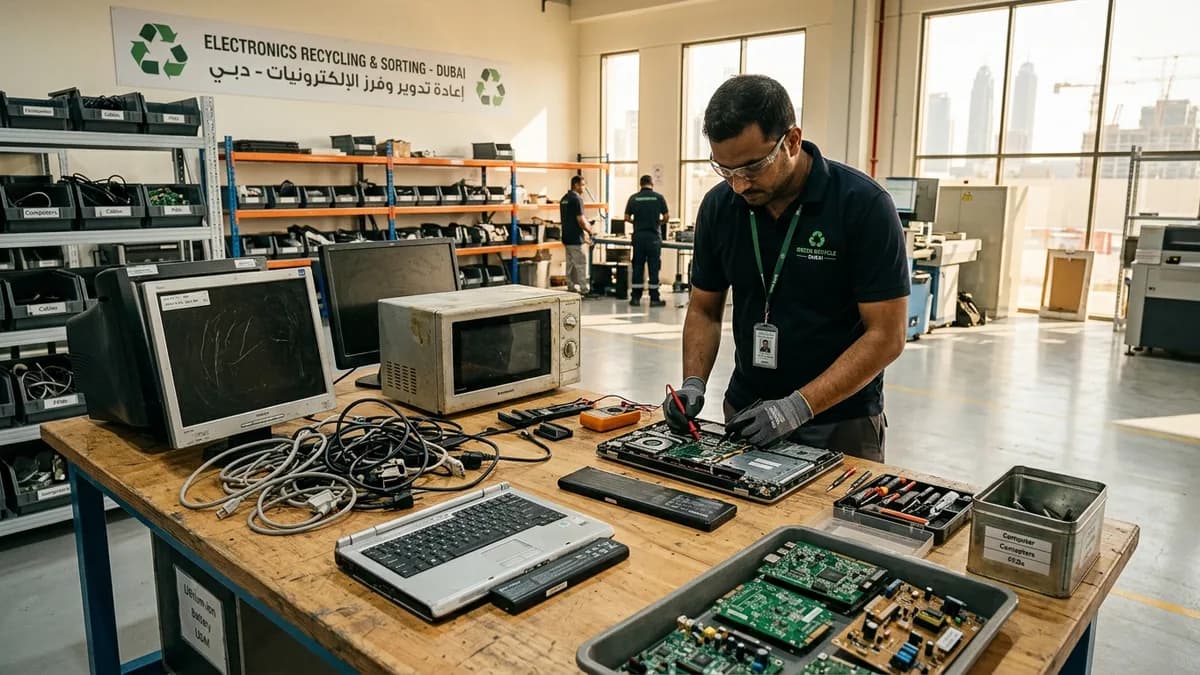
No. Monitors contain circuit boards, wiring, glass panels and, in older models, mercury-containing backlights. They belong in an electrical-waste route. Keep them upright and intact, bag any cracked units separately and use a commercial e-waste receiver that provides a transfer record.
Do office monitors store any data?
Standard monitors do not store files. Some smart or USB-C hub models may keep network or display settings, so reset these from the on-screen menu where available. Remove desk labels and privacy filters before transfer, and follow your register's rule on asset stickers.
What should we do with monitor arms and stands?
Keep working arms and stands as spares or pass them on with matching screens. Bundle the rest by type for metal recycling or e-waste with the monitors. Always de-tension gas-spring arms before removing screens and keep the VESA screws taped to each monitor.
What details help quote monitor collection?
Give the number of monitors and their approximate sizes, how many arms, stands and cables are included, and whether screens are boxed or loose. Note any cracked panels, the floor, service-lift and loading-bay booking, and whether you need a transfer record.
Planning a clearance in Dubai?
Send photos of what you need cleared on WhatsApp. Our team provides an instant, fixed upfront rate and handles elevator bookings and gate security smoothly.
Specialists in residential and commercial clearances across Dubai since 2016. Committed to safe property handovers, compliant electronic waste disposal, and municipal green waste diversion.
 Ask a Question